Clock in from a phone — no scanner required
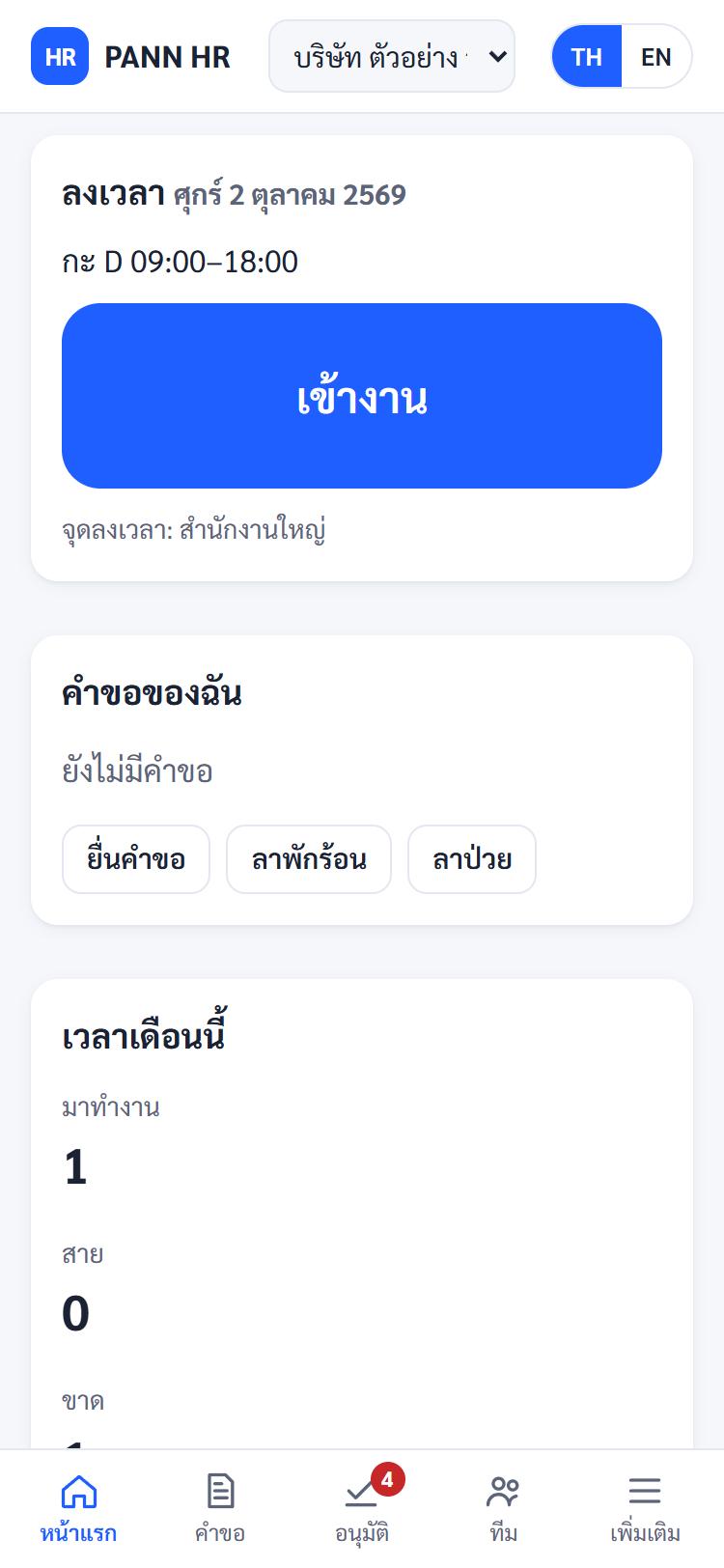
Staff open the app and tap twice. PANN HR records the time and checks they are at a location you have approved, so HR can see at once who is in and who is late.
Location checked by GPS or QR
- Define clock-in points as a map location with a radius — an office or a branch — and choose who may clock in at each one.
- Where GPS is unreliable, post a QR code at the site instead, and rotate the code whenever you need to.
- For field work, set up "off-site" points so teams visiting customers can still clock in.
Built to be quick on a phone
- Opening the app shows today's shift and the clock-in button straight away: two taps and it is done.
- If the signal drops mid-tap, the entry is kept on the device and sent once the phone is back online, flagged so HR can see it arrived late.
- You can require a verification photo at clock-in if your company wants one.
HR can correct records, with a trail every time
- Someone forgot to clock in? They submit a time-correction request for their manager to approve.
- HR can add or void clock entries, but must give a reason, and the system records who changed what and when.
- Coming from a fingerprint or face scanner? Import the time files it exports (Excel/CSV).
Location is recorded only at the moment someone clocks in or out. There is no continuous tracking.
See also
Start with your team today
Free during launch. Set up your first company in minutes — no app to install.